Table of Contents
Column width designer
Toolbar
None.
General
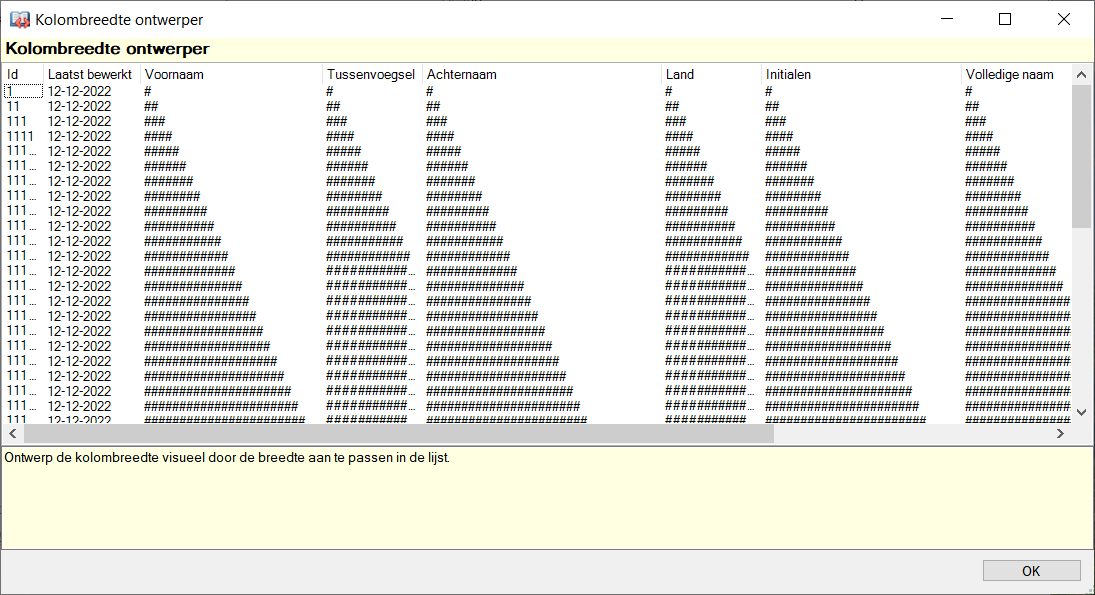
This designer allows you to easily visually adjust the width of a set of columns. The view is identical to the view application, as an aid example data is displayed based on the field type. Using the mouse you can adjust the width of the columns, when you then close the window the changes are adopted.
Shortcut keys
Window wide
None.
Component-specific
None.


