This is an old revision of the document!
Table of Contents
Microsoft Word FieldMerge export

Toolbar
No
Status bar
No
Actions
This export method allows you to generate a unique Word or PDF document for each entity in which variables have been replaced with the actual entity field value.
When opening the window, the programme will check whether Microsoft Word is installed on your computer, as this programme is required to generate Word or PDF documents.
You then choose the source Word file and the folder where the generated files should be placed.
Example
This example was created using Microsoft Word 2013, in other versions of Word this may be different.
In the INSERTtab, choose the Quick parts and then the Field….

In the window that comes up next, select the FieldMerge, the last step is to enter the Field name enter the desired variable.
Then click on OK and the field will be entered in the Word document.

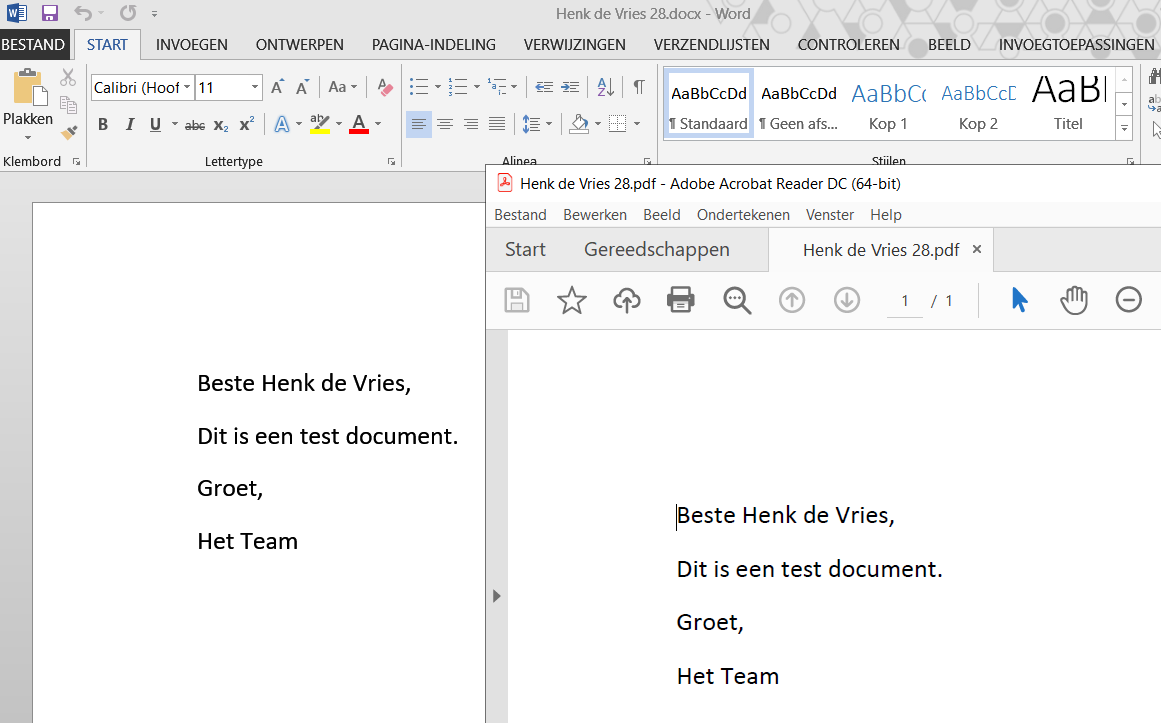
The image below shows a generated Word and PDF export.
Hotkeys
Window wide
The following shortcuts are valid across the entire window, they do not depend on the focus on a particular component
| Hotkey | Action |
|---|---|
| F1 | Call up online documentation |
| Alt + F4 | Close window |
Component-specific
No


